During the last weeks we tried to install Symantec Client Management Suite but failed because of a missing prerequisite. The ADOMD.NET 9.0 is requiered to install the Client Management Suite. When clicking on the link, the requirement usually gets you to the Microsoft download page for a File called: SQLServer2005_ADOMD_x64.msi.

It seems that Microsoft decides to remove the download because it is outdated….
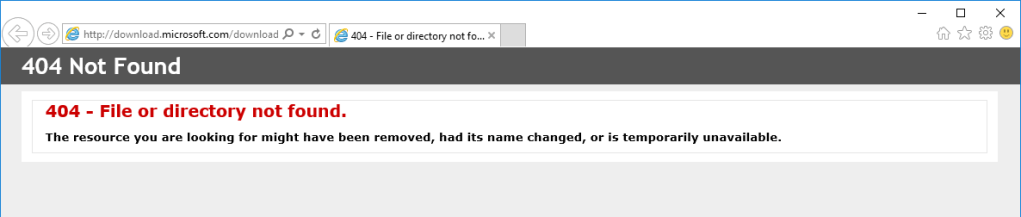
To Workaround this issue until Broadcom / Symantec provides a permanent fix you have two options:
- Enable the Next Button for the Install Readiness Check
Add the key HKEY_LOCAL_MACHINE\SOFTWARE\Altiris\AIM\InstallReadinessCheck\ to the registry. Create a DWord called EnableNextbutton and set the value to 1.
Be aware that you may not be able to use IT Analytics if this Prerequisite is missing – everything other than ITA should work without any issue… - Grab the File from an existing installation and install it.
Update: 25.05.2020
With the release of 8.5 RU4 (tentative release mid. Juni 2020) the prerequisite (ADOMD.NET 9.0) is no longer required. This does not impact IT Analytics functionality.

 Endpoint Management